← Back to home
OVERVIEW
Design systems at my previous two organizations were among my first and most foundational projects as a designer. As the Lead Product Designer, I planned, designed, and scaled a unified design system across multiple products within the organizations’s ecosystem.
At the time, the organization had several products, each evolving independently. This resulted in visual inconsistency, fragmented user experiences, and inefficiencies across design and development. The goal was clear: create a single source of truth that aligned the brand, streamlined workflows, and scaled with the platform.
See my design system on Figma
💡 This Design System was designed and built from scratch for a production organization and later scaled across products. To comply with NDA, certain components and visuals have been edited or replaced.
MY ROLE
Lead Product Designer
RESPONSIBILTIES
Architected design system ·
Designed scalable components ·
Ensured product consistency
TEAM
1 Developer
DURATION
Jan - August 2023
Discovery Phase - The Problem
The Reality Check: Inconsistency Everywhere
Before designing anything new, I conducted a full audit of existing products across the organization. The goal was to understand what already existed — and where things were breaking down.
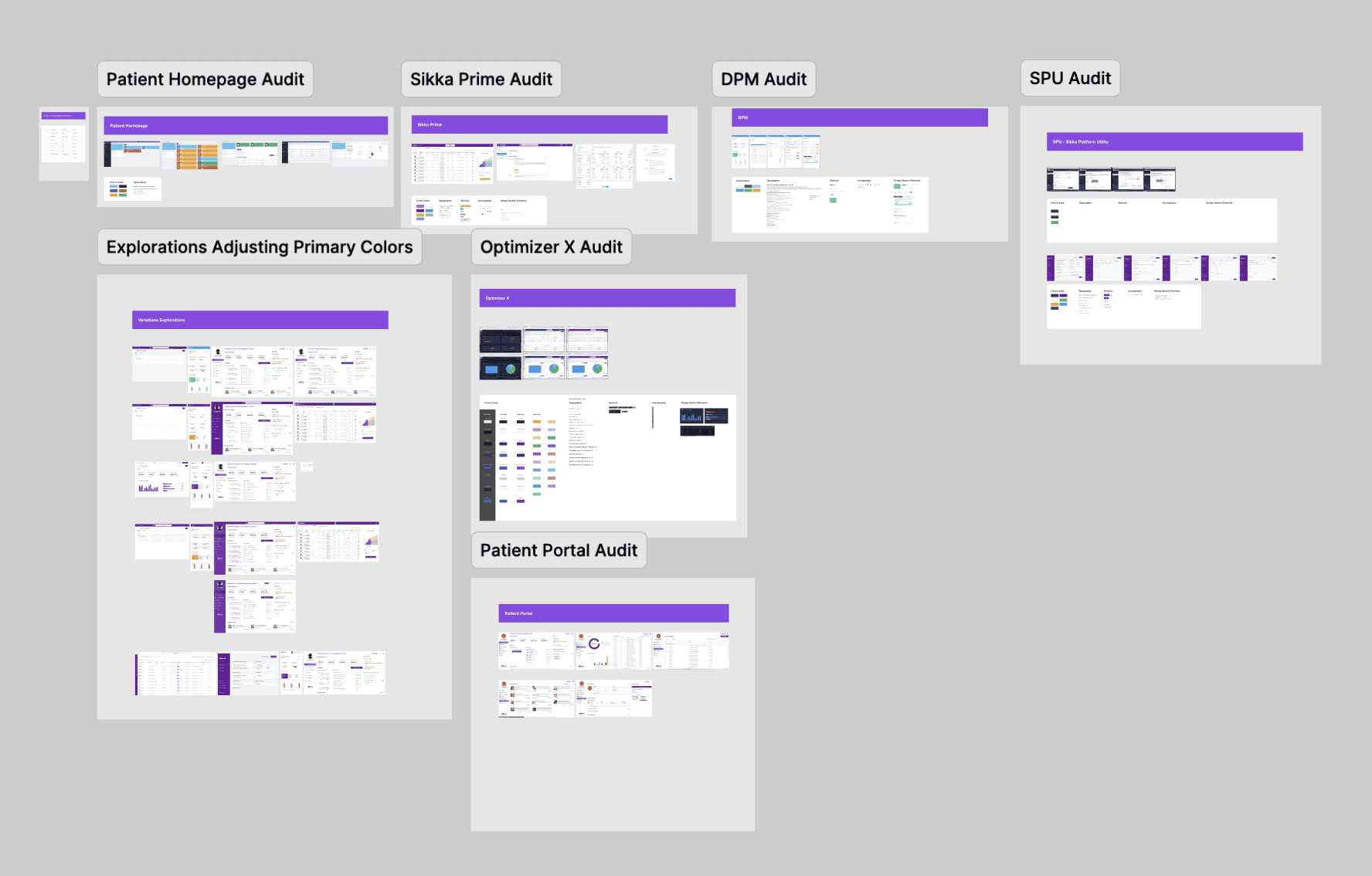
What I found:
Multiple versions of the same components (buttons, tables, form fields)
No standardized spacing, typography, or interaction rules
Figma files that were difficult to navigate and reuse
UI decisions made in isolation across teams
This audit became the foundation for the system.
DEFINING THE APPROACH & PROCESS
Rather than immediately designing components,
I focused on structure first.
Key Decisions
Build the system using a top-down approach
Start with high-impact, commonly used components
Apply Atomic Design principles to ensure scalability
Design with developers in mind — not just visual consistency
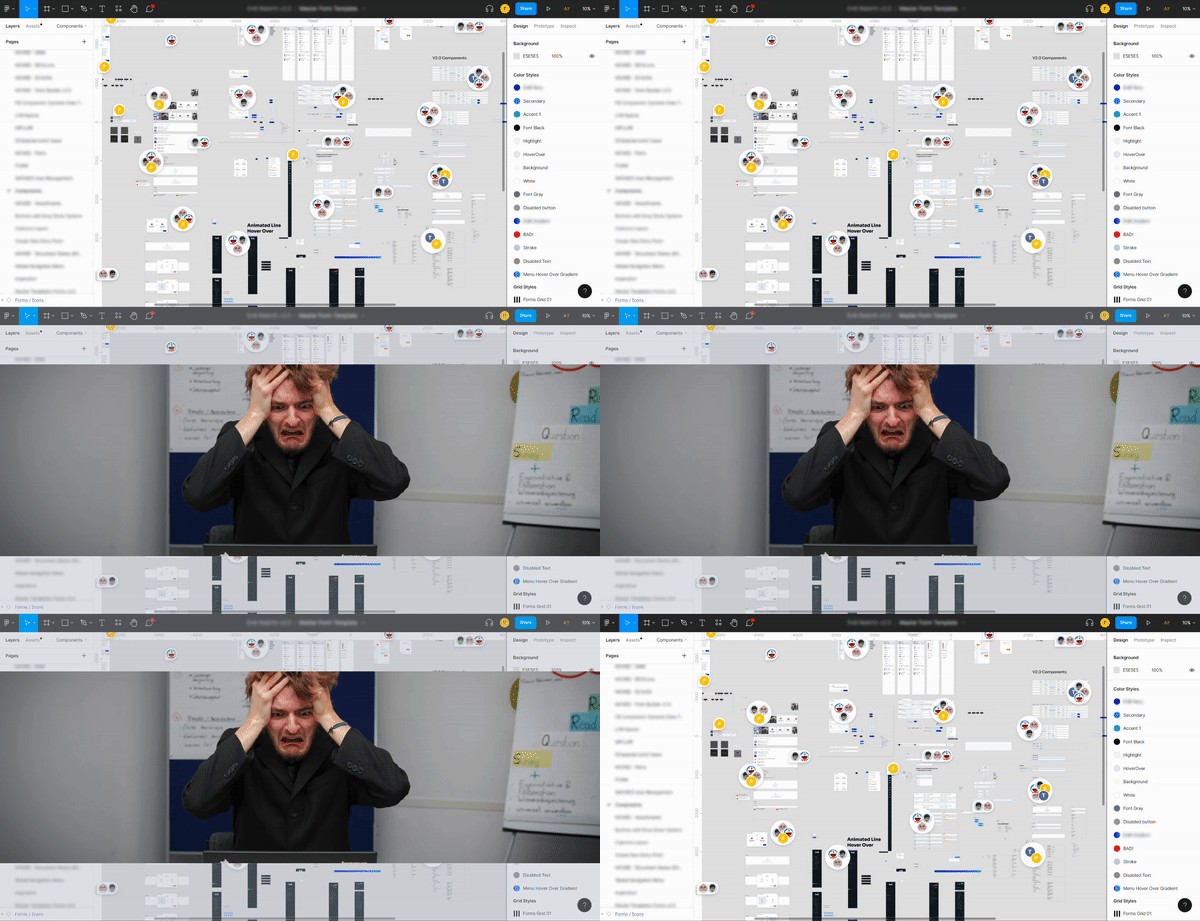
To ensure feasibility, I partnered closely with a frontend developer to align component properties, behaviors, and constraints early in the process.
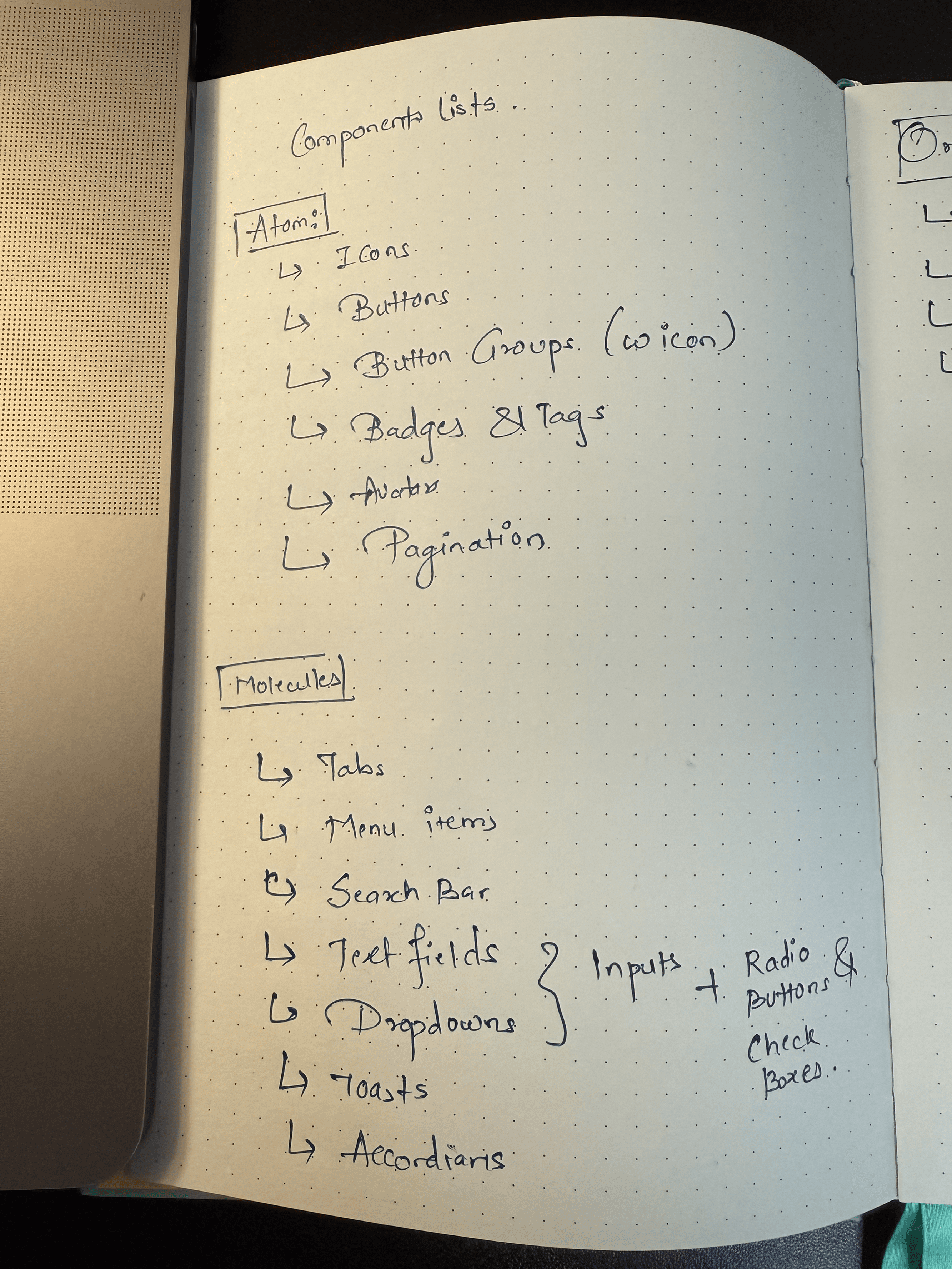
Strategizing & Planning
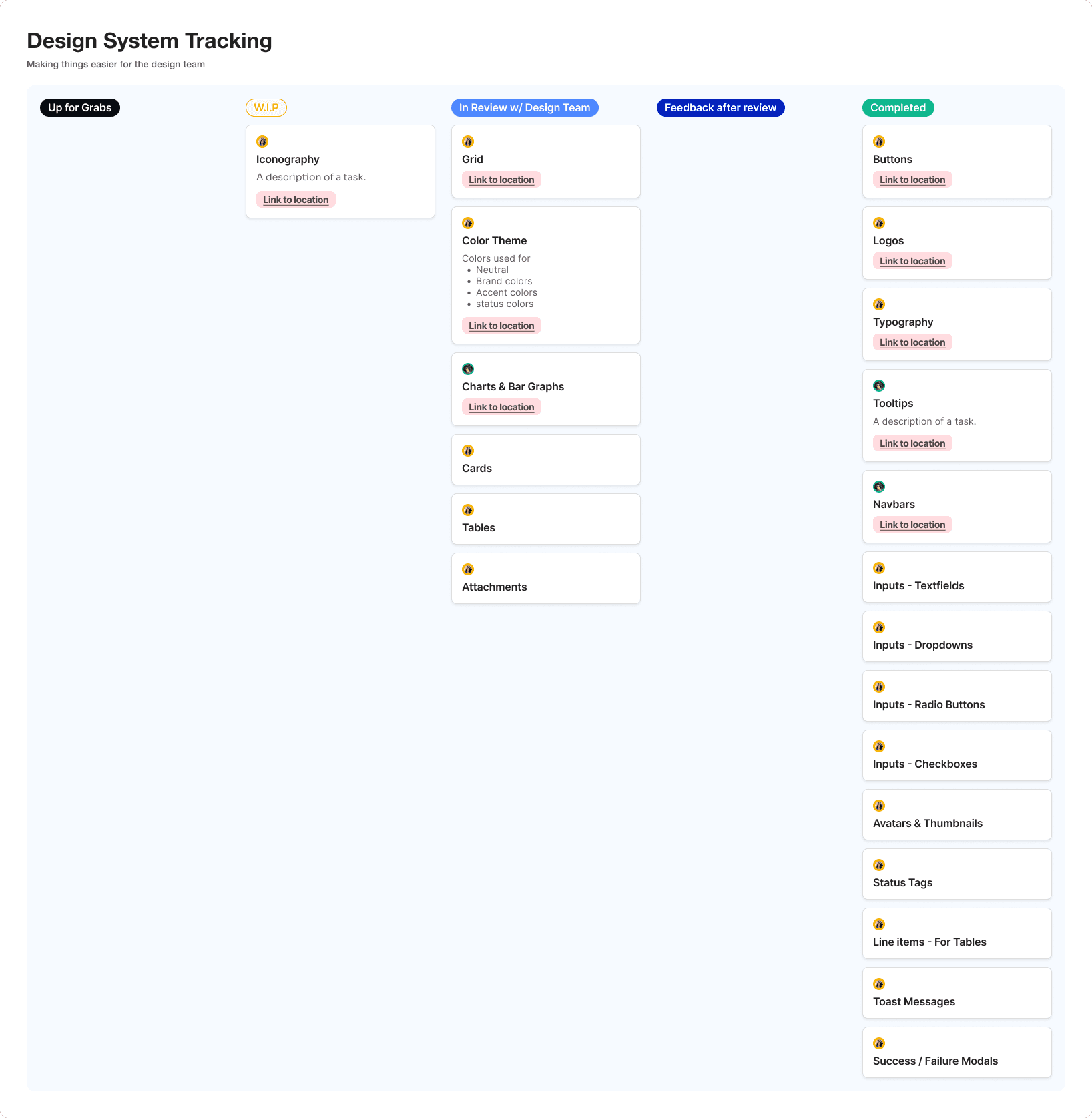
I started by defining a clear component inventory, identifying what needed to be built, what could be reused, and what should be deprecated. To manage progress and feedback, I created a Kanban board directly inside the Figma file, allowing:
Clear tracking of component status
Centralized feedback from stakeholders
Faster iteration cycles
This made the design system itself a living, collaborative workspace.
Laying Foundation
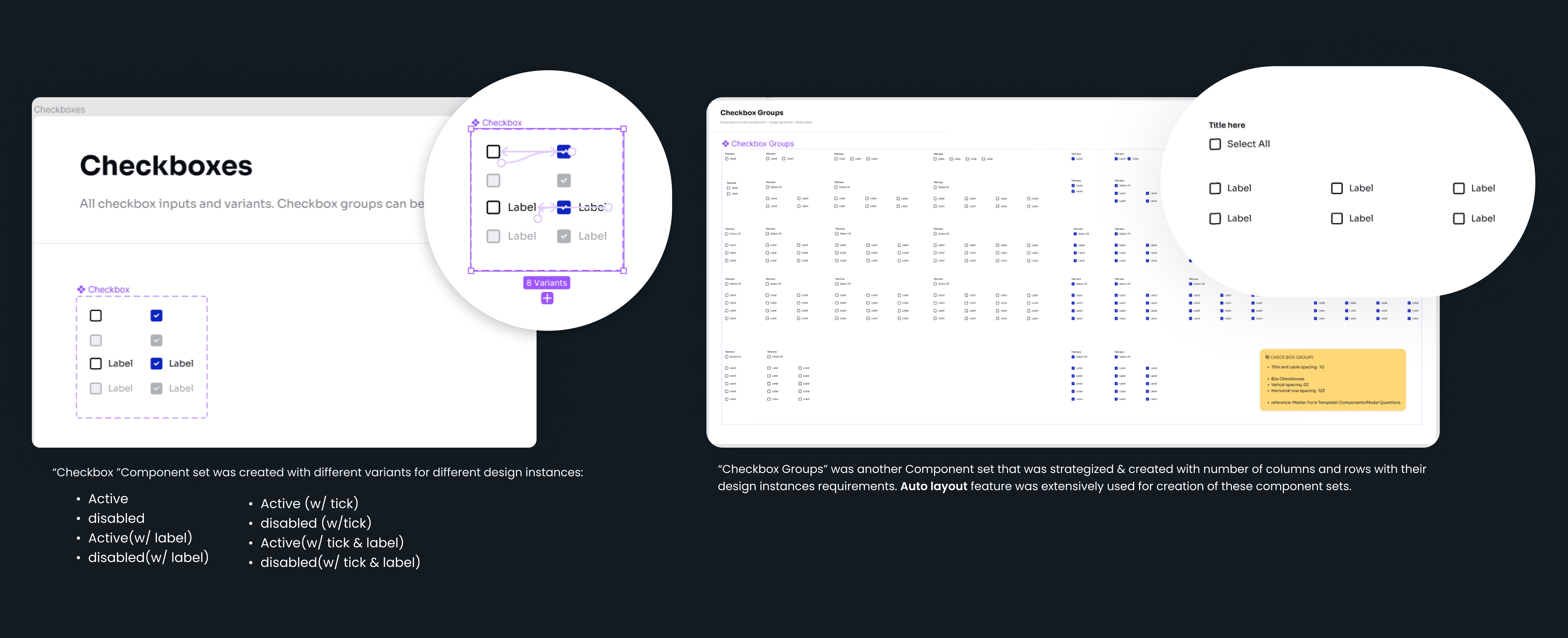
A major focus of this project was mastering:
Auto Layout
Component variants
Nested components
Property-based customization
Each component was designed to:
Adapt across different use cases
Reduce the need for custom overrides
Be intuitive for designers to modify
Alongside static components, I also prototyped interactive states, making it easier for designers to present flows during reviews and for developers to understand behavior.
Usability & Scalibility
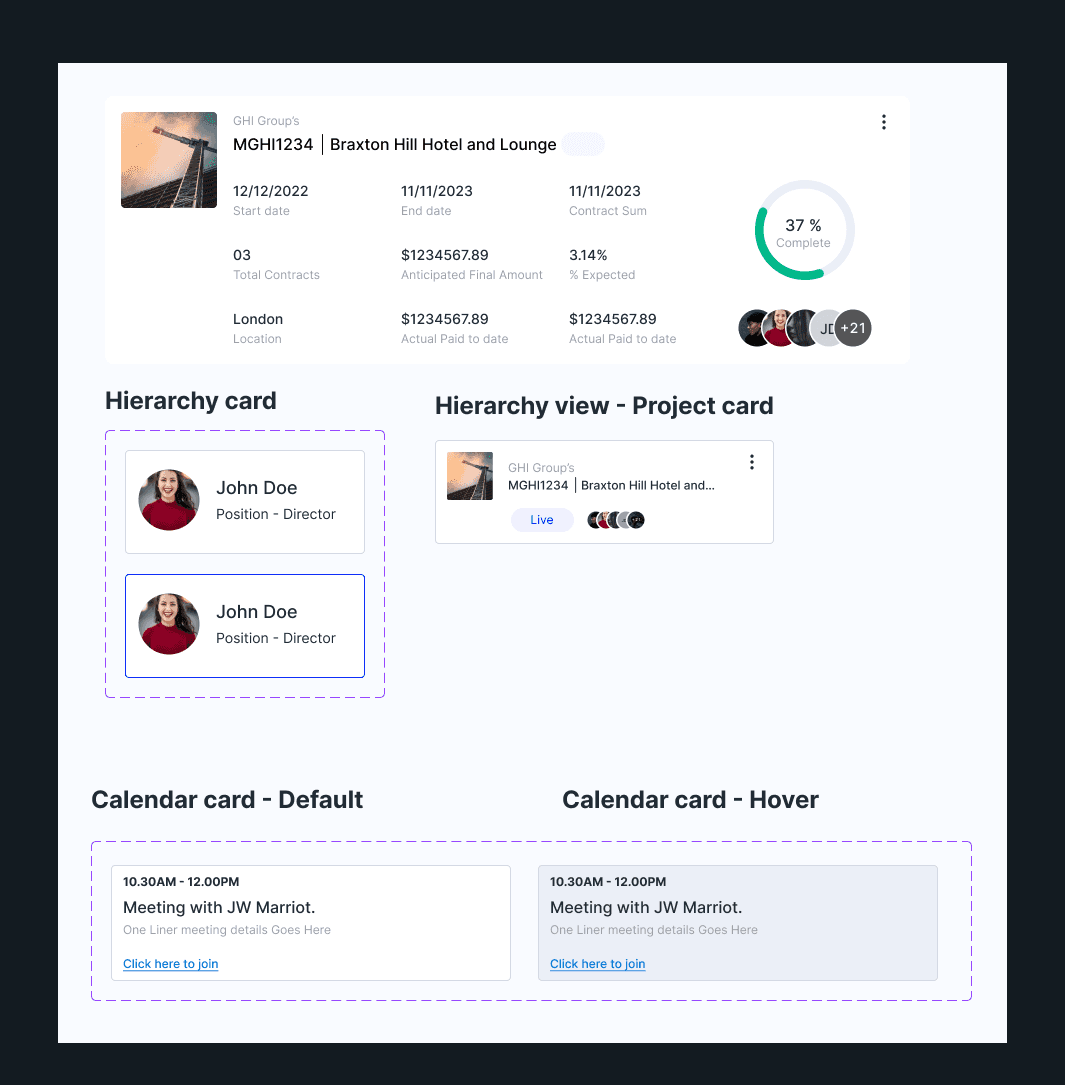
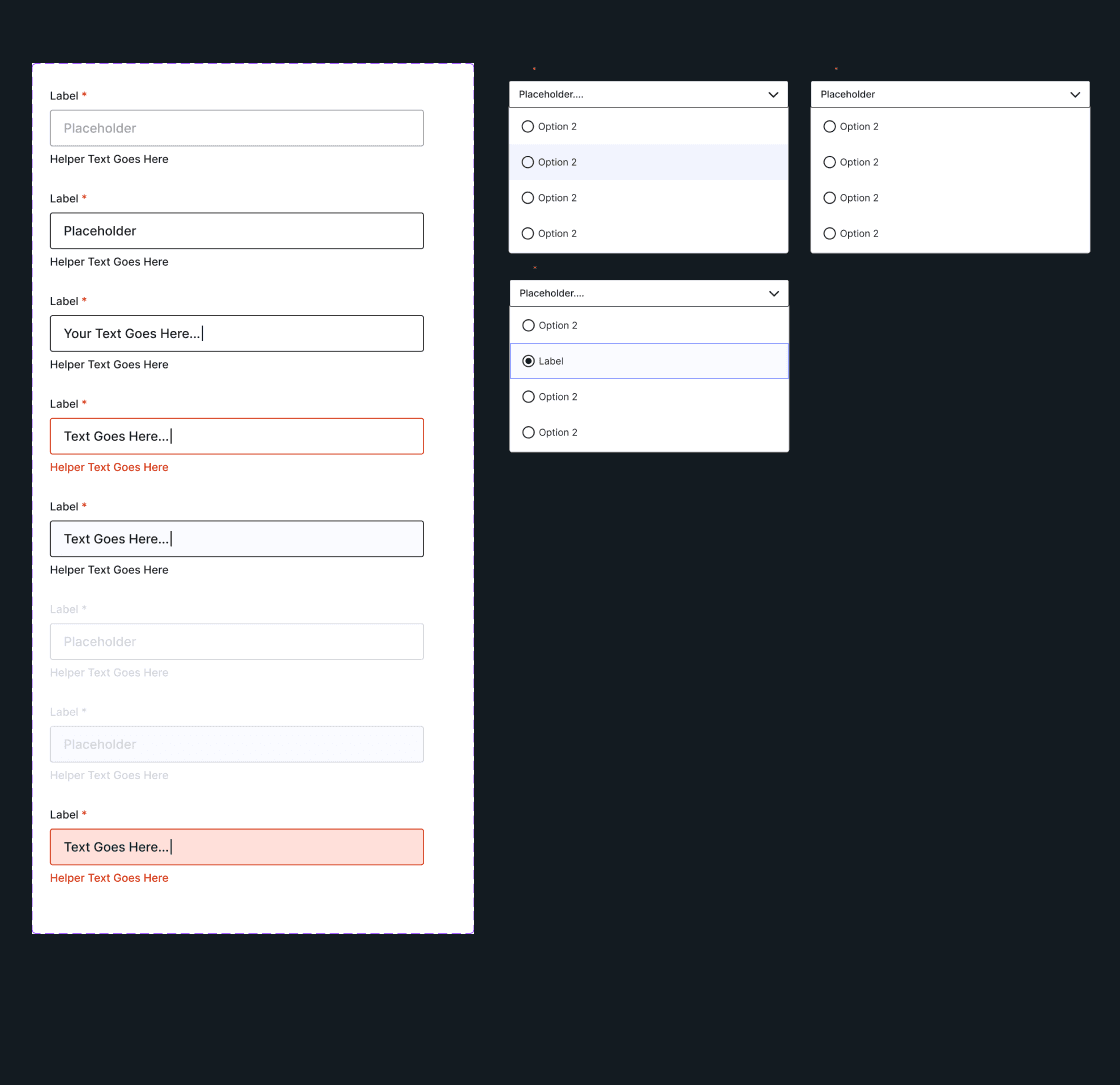
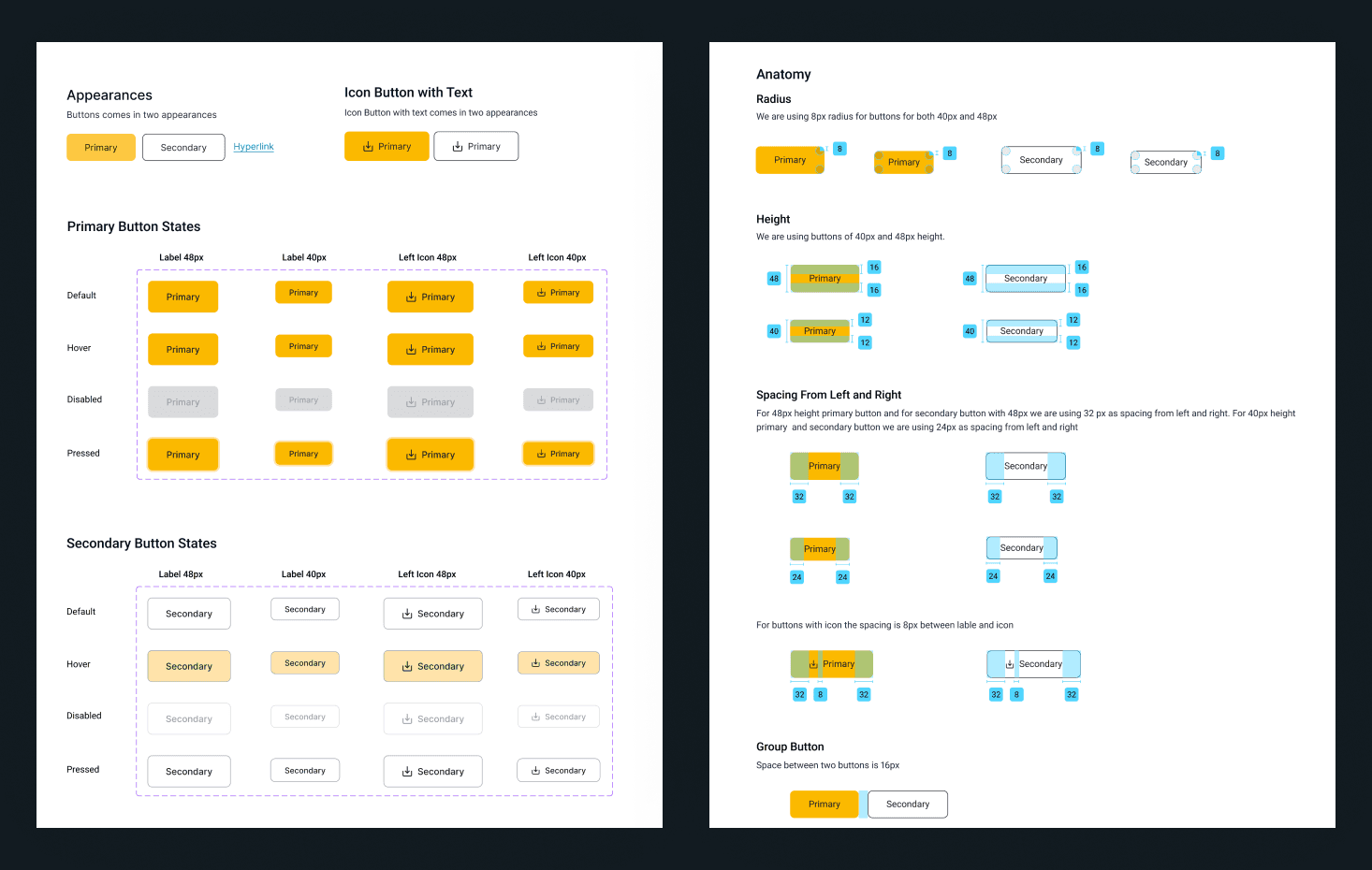
The system was built to save time — not add overhead. By using:
Auto Layout
Variants
Clear naming conventions
Designers could quickly assemble screens without recreating UI from scratch, while developers received consistent, predictable components.
Rolling It Out Across Products
We implemented the system incrementally:
Started with large, high-visibility components
Established visual consistency at the top level
Gradually standardized smaller, interactive elements
This phased rollout minimized disruption while steadily improving cohesion across products.
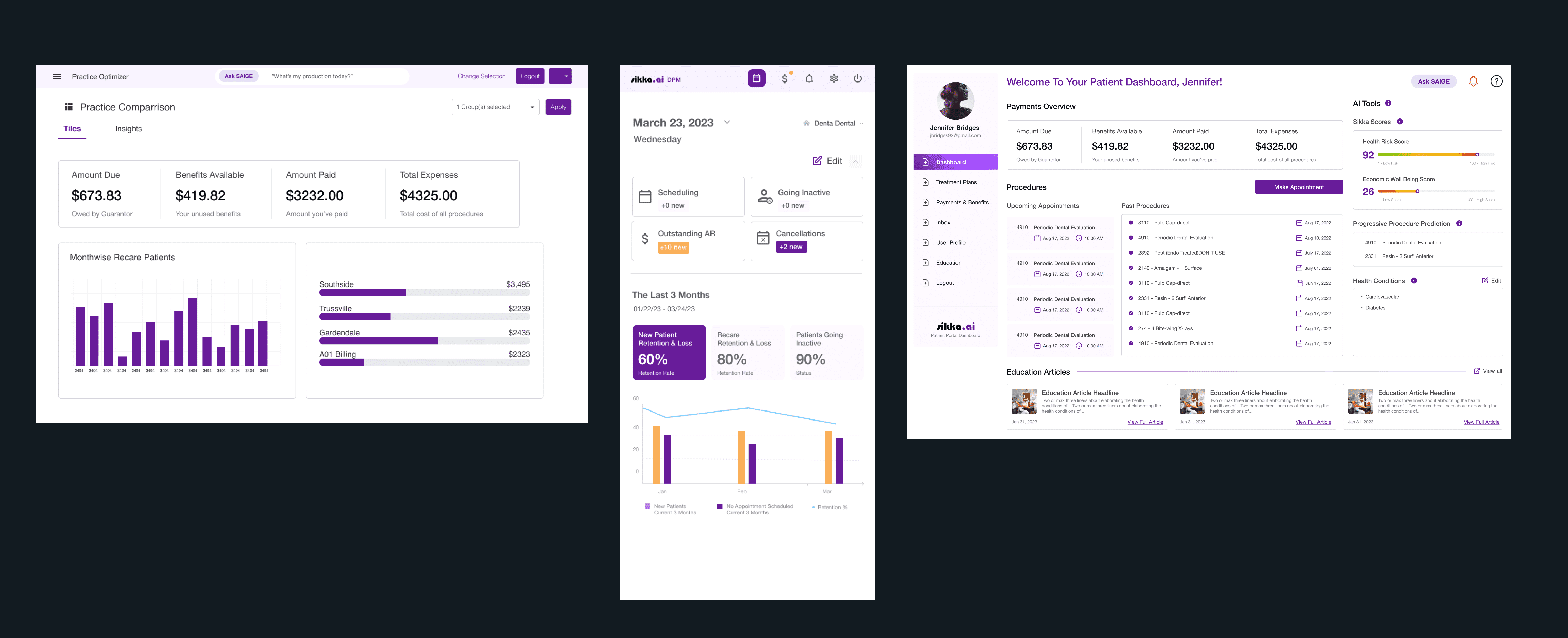
FINAL OUTPUT & IMPACT
By the end of the project:
A complete, scalable design system was in place
All core components and variants were documented
The system was actively used across Sikka products
Impact
Significant reduction in design–dev back-and-forth
Faster design audits and reviews
Improved consistency across the platform
Stronger brand coherence
More efficient onboarding for new designers
Key Learnings
Designing systems requires thinking beyond screens
Attention to detail compounds at scale
Strong collaboration with developers is critical
Documentation is just as important as components
Design systems are never “done” — they evolve
This project strengthened my ability to design at scale, advocate for systems thinking, and collaborate cross-functionally with confidence.
Mentorship & Leadership
As part of this work, I also:
Mentored junior designers on design systems
Shared best practices around component usage
Helped establish a culture of consistency and reuse
What’s Next
Looking ahead, I’d love to:
Expand documentation with behavior guidelines
Map components to specific frameworks (e.g., Bootstrap)
Collect quantitative feedback via surveys
Measure long-term productivity and adoption